

- version upgrades
- database migrations
- data backfills
- recovery steps
type that determines what it does:
component_deploy— Deploy a component. Setdeploy_dependentsto also roll out the component’s downstream dependents, in dependency order. (deployis accepted as a legacy alias.)component_tear_down— Tear down a component. Settear_down_dependentsto also tear down its downstream dependents, with dependents removed first.action— Run an existing action, or an inline command or script defined directly on the step.sandbox_reprovision— Reprovision the install’s sandbox infrastructure. Setskip_component_deploysto reprovision the infrastructure only, without redeploying components on top.sandbox_deprovision— Deprovision the install’s sandbox infrastructure.
Where runbooks live
Define runbooks as TOML files in arunbooks/ directory in your app config. Each file is one runbook:
nuon apps sync, run from the app’s working directory in your terminal. Whenever you edit a runbook file locally, re-run nuon apps sync to push the changes to Nuon.
Example
Configuration reference
Runbook
| Field | Type | Required | Description |
|---|---|---|---|
name | string | Yes | Name shown in the Runbooks tab and used to identify the runbook during sync. |
description | string | No | Short description of what the runbook does. |
readme | string | No | Markdown documentation for the runbook. Supports Go templating and external file sources (HTTP(S) URLs, git, or local paths). |
labels | map | No | Key/value labels for organizing runbooks. |
steps | array | Yes | Ordered list of steps to execute. See below. |
Step
| Field | Type | Required | Description |
|---|---|---|---|
name | string | Yes | Step name shown in the workflow UI and runbook detail page. |
type | string | Yes | component_deploy, component_tear_down, action, sandbox_reprovision, or sandbox_deprovision. deploy is accepted as a legacy alias. |
component_name | string | component steps | Component to deploy or tear down. Required when type = "component_deploy" or "component_tear_down". |
deploy_dependents | bool | No | When true, also deploys the component’s transitive dependents (downstream subgraph) in dependency order. Only applies to component_deploy steps. |
tear_down_dependents | bool | No | When true, also tears down the component’s transitive dependents (downstream subgraph), with dependents torn down first. Only applies to component_tear_down steps. |
skip_component_deploys | bool | No | When true, only the sandbox infrastructure is reprovisioned; components are not redeployed on top. Only applies to sandbox_reprovision steps. |
action_name | string | action steps | Name of an existing action to run. Mutually exclusive with the inline fields below. |
command | string | action steps | Shell command for an inline action. Supports Go templating. |
inline_contents | string | action steps | Inline script contents, or a reference to an external file. Supports templating and external sources. |
env_vars | map | No | Environment variables for an inline action step. |
timeout | string | No | Maximum execution time for an inline action step (Go duration, e.g. 30s, 5m). |
role | string | No | IAM role to assume when executing an inline action step. |
action_name (to run a previously defined action) or the inline fields (command / inline_contents) to define an inline action, not both.
Triggering a runbook
Trigger and watch runs from the Runbooks tab in the dashboard, or from the CLI:A complete example
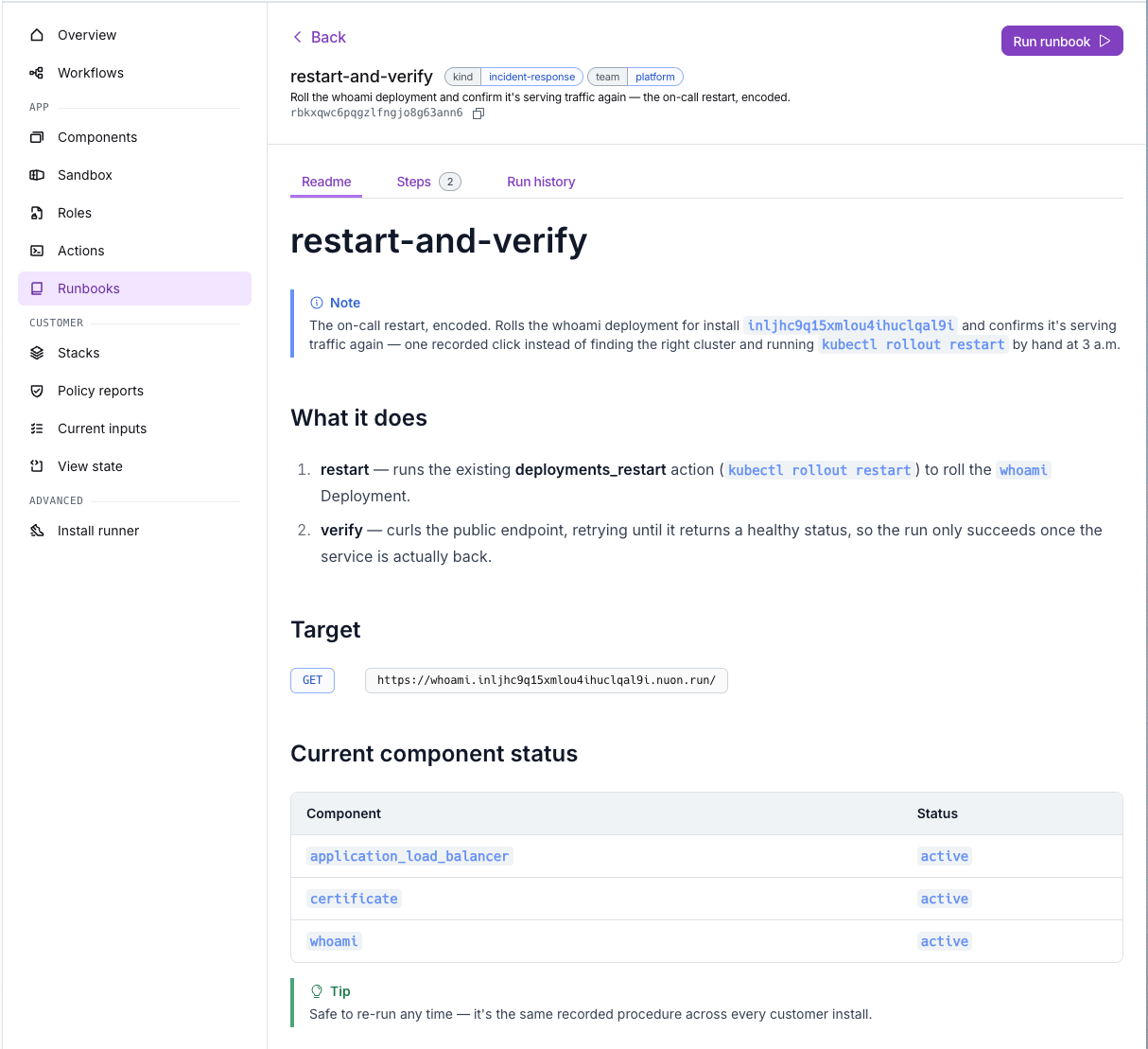
For a runnable example, see theprogrammable-runbook-and-readme app config in example-app-configs. It has runbooks for an on-call restart and a smoke test, plus rendered READMEs that embed them.